Repositories
Features
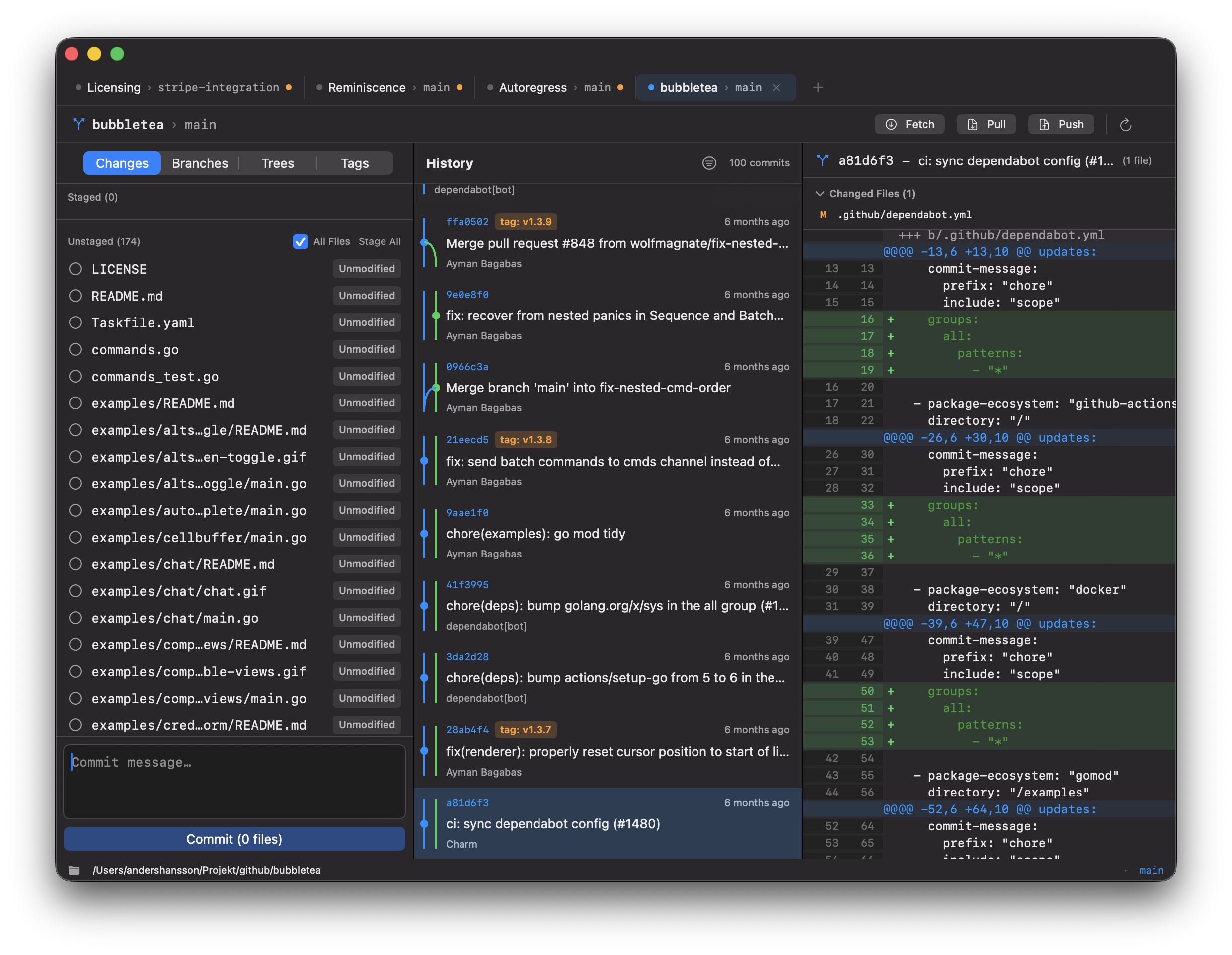
Multi-Tab Interface
Open multiple repositories in tabs, just like a browser. Drag to reorder tabs, and your session is automatically restored when you relaunch.
Visual Diff Viewer
See your changes with color-coded diffs. Stage or unstage individual hunks or lines, Quick Look files with space, and resolve merge conflicts visually.
Commit Graph
Understand your branch history with a color-coded visual commit graph. Squash, cherry-pick, revert, or pop commits, and filter by branch.
Branch Management
Create, checkout, merge, and delete branches. Push and pull with smart auto-retry, and see all local and remote branches at a glance.
Blame View
See who changed each line and when. Adjacent lines from the same commit are grouped together for easy reading.
Worktrees
Work on multiple branches simultaneously with Git worktrees. Create, switch between, and manage linked working directories without stashing.
Tags
View all tags in your repository. Create lightweight or annotated tags and delete tags when no longer needed.
GitHub Integration
Create new repositories directly on GitHub. Supports fine-grained Personal Access Tokens stored securely in macOS Keychain.
Get Info
Right-click any file to view metadata including file size, modification date, and SHA-256 hash with copy to clipboard.
Keyboard Shortcuts
⌘OOpen
⌘TNew Tab
⌘WClose Tab
⌘RRefresh
⇧⌘]Next Tab
⇧⌘[Prev Tab
⇧⌘NNew GitHub Repo
⇧⌘LLog
Requirements
- macOS 26 (Tahoe) or later
- Git command-line tools installed
- GitHub fine-grained Personal Access Token (for GitHub integration)