Rope
Features
Multi-Cursor Editing
Add cursors with ⌘+Click or ⌘⌥↑/↓. All cursors type, delete, and move independently for efficient bulk edits.
Git Integration
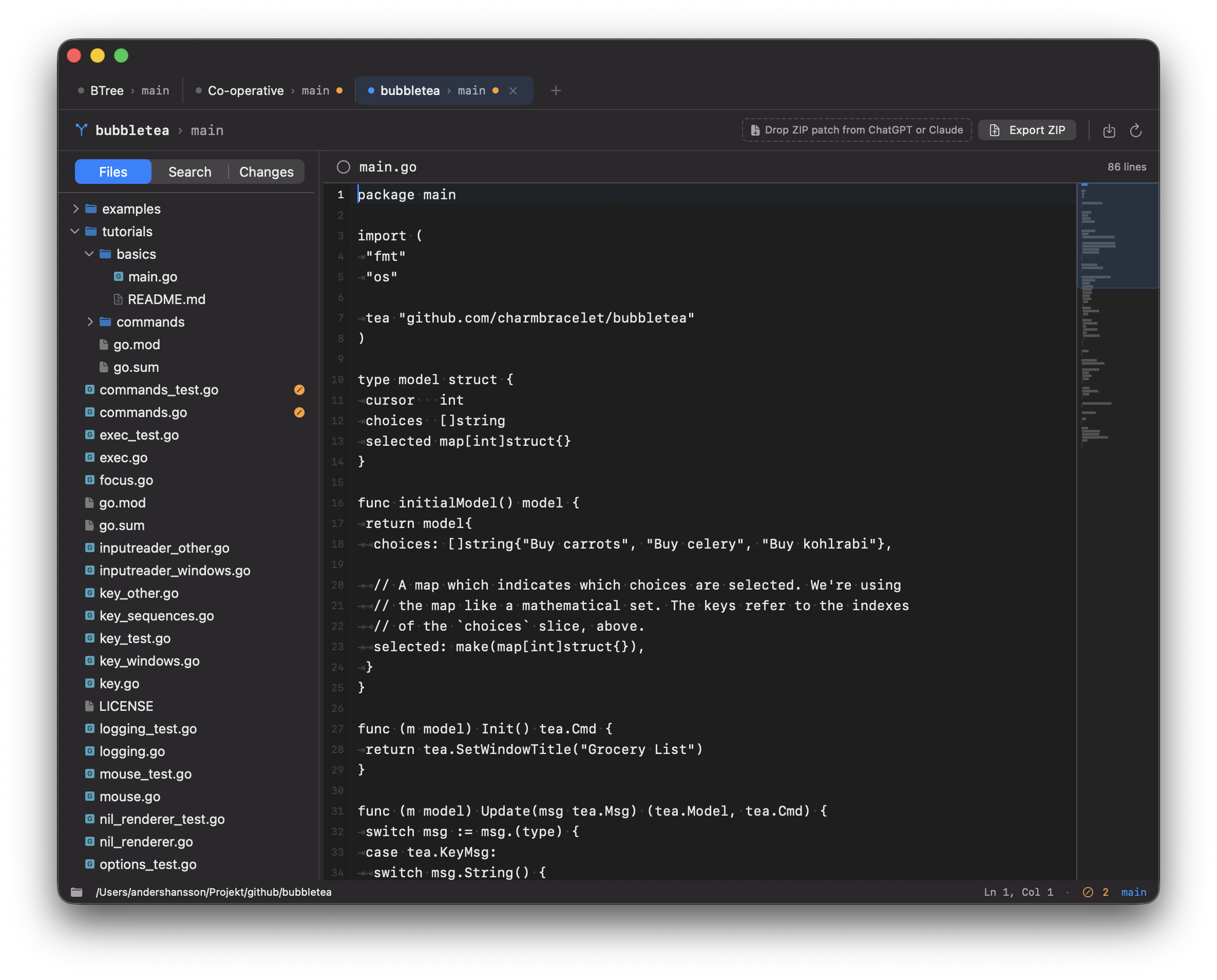
Orange gutter markers show lines changed since HEAD. File tree icons indicate modified, added, deleted, and untracked files. Current branch in the status bar.
Search in Files
Full-text search across the entire repository with case sensitivity, regex mode, and file extension filters. Click a result to jump directly to the matching line.
AI Assistant Workflow
Export your project as a ZIP for upload to ChatGPT or Claude. Drop the response ZIP onto the toolbar to apply file updates instantly.
Multi-Tab Interface
Open multiple repositories in tabs, drag to reorder. Your entire session — open files, cursor positions, sidebar width — is restored on relaunch.
Minimap
An overview of the entire file on the right side. The viewport indicator shows your position. Click or drag to scroll quickly through long files.
200-Level Undo
Each undo level stores a reference to the previous rope tree. Undo and redo are instant because nodes are immutable and share structure.
Visible Whitespace
Spaces shown as · and tabs as ⇥ in a subdued color, making indentation visible without cluttering the view. Toggle on and off in Settings.
Favorites
Mark important files as favorites from the context menu. Favorites appear at the top of the Changes list, persist between sessions, and are stored per repository.